
Searching Cases by Name
If you lack a case number, search by party name. Go to the Georgia Courts E-Access directory and pick Twiggs Superior. Then follow its route to PeachCourt. An account is required, per the directory. Common surnames can pull up many records. So weigh the court, the filing year, the case type, and each party's role before you open a Twiggs County Superior Court result.
- Read the source paper and confirm the named court.
- Choose Twiggs Superior in E-Access and sign in.
- Open Search, then Cases, and select Twiggs and Superior.
- Enter the party name and verify the matching case facts.
Logging in is not the same as searching. Only after you sign in do the county, court, case-number, and name controls appear. And note that the GSCCCA deed and lien search covers property filings, not court cases.
| Field | Use | Limit |
|---|---|---|
| County | Select Twiggs | Shown after access |
| Court | Select Superior | Wrong court hides matches |
| Case number | Most exact route | Copy punctuation |
| Party name | Fallback search | Verify with case facts |
Twiggs PeachCourt Account Gate
For Twiggs Superior Court, PeachCourt wears two hats. It is the routed access provider for the docket. It is also the mandatory e-filing system. Those jobs are different. Someone checking a court docket wants case search and case information. They do not need the green filing button described in vendor help. The PeachCourt access screen offers login, registration, and password recovery.
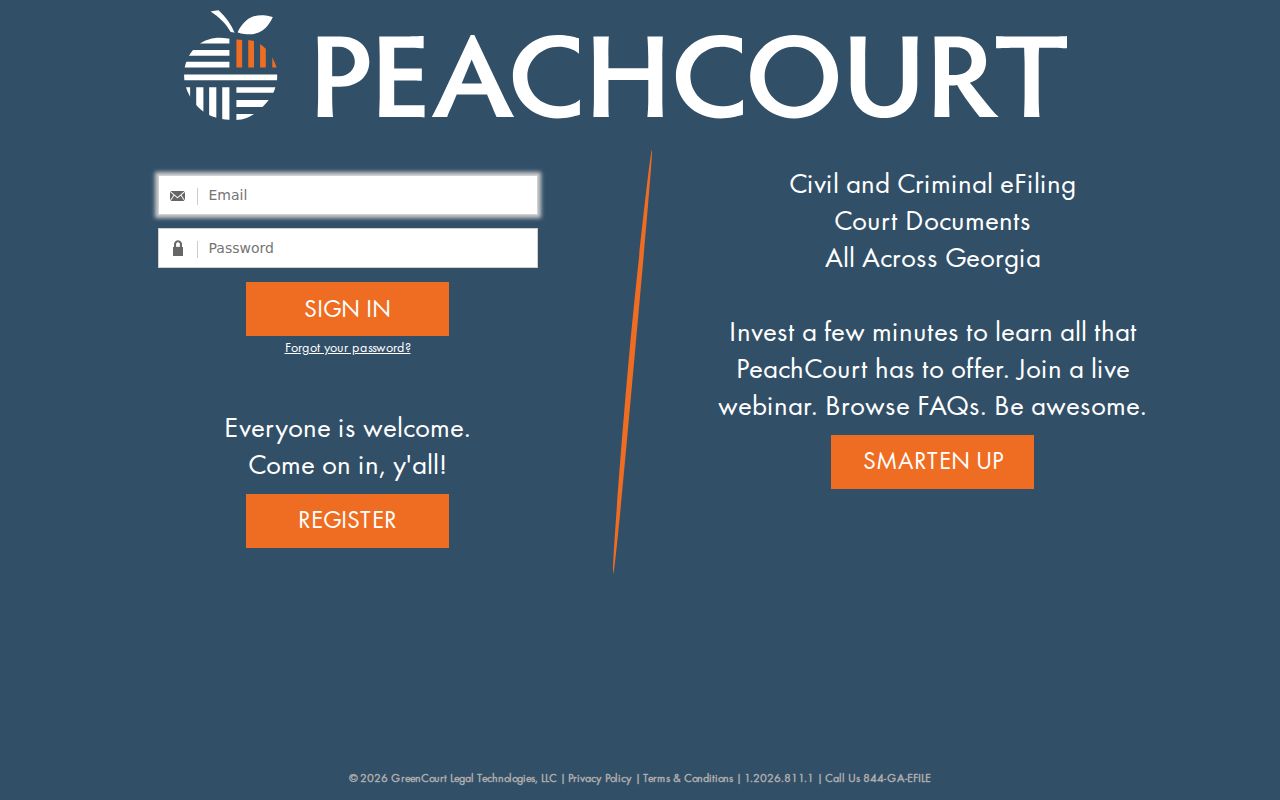
That account gate is why the state-directory link does not open a Twiggs County docket right away. Registration itself is free, though documents can carry charges.
Searching by Case Number
An exact number beats a name every time. Uniform Superior Court Rule 36.9 sets the shape. It calls for a year, a case-type letter, a consecutive number, and a judge-assignment context. An official felony list shows the safe format with 2023-F-069. The example pairs a year with a case-type letter and a sequence. That string is a format example only, not a way to look up private parties. Enter the number exactly as printed, keeping letters, hyphens, and leading zeroes. A blank result may simply mean the case sits in State, Probate, or Magistrate rather than Superior. No Twiggs State Court listing appears. Old files can also fall outside online coverage. So a blank screen never proves a case does not exist.
Twiggs Registration Is Not Search
The registration form asks for your name, a confirmed email and password, a secret question and answer, a reCAPTCHA, and agreement to terms. Every field builds an account. None of it describes a court party, and the PeachCourt registration page keeps that line clear.
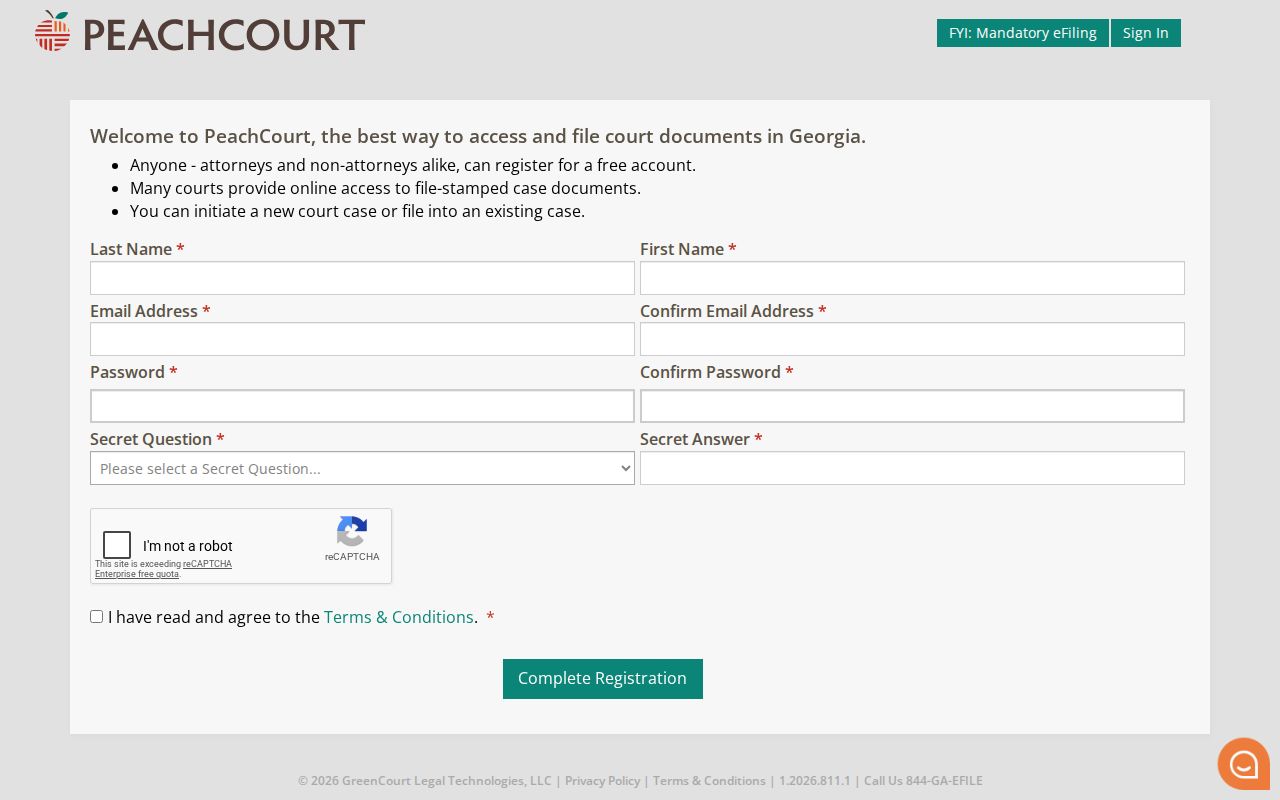
Once registered, go back to Cases and choose the county and court first. Save case facts for the search fields, not your account profile.
What a Case Search Returns
A Twiggs County result can hold a lot. Metadata, a chronological register, calendar events, and document actions may all appear. For criminal views, PeachCourt says you might see status, judge, parties, attorneys, charges, counts, outcomes, proceedings, settings, and links to documents. What shows up varies by court. Read the last entry and every count carefully. A charge is not a finding, and a setting is not a final outcome.
| Case number | The local identifier with its full punctuation. |
|---|---|
| Status | An open, closed, pending, or disposed label needing context. |
| Parties | The caption, roles, and listed counsel where public. |
| Calendar | Hearings, pleas, trials, sentencing, or resets. |
| Proceedings | Dated register entries for filings and court action. |
| Documents | View, N/A, or request controls when offered. |
Need the filing itself? The Twiggs County court records process covers certified copies.
Twiggs Register Before Document Image
Think of a register of actions as a date-ordered index. It says what was filed. It may not reproduce the pleading, order, exhibit, or transcript behind it. PeachCourt labels an available image "View." "N/A" can point to a sealed item, an excluded type, or something a clerk must pull by hand, and a Request Documents control may appear. Registering free does not make every image free. Published terms list a $2.00 eAccess fee per document. They add $0.50 per page, and a convenience fee of 3.5% plus $0.30 per transaction. Prices can change, and these are provider charges rather than Twiggs clerk certification fees.
Statewide vs County Case Search
Georgia E-Access is a directory of official providers, not a single statewide results database. For Twiggs Superior matters it simply routes you to PeachCourt, and the county clerk still keeps the official record. Probate traffic and estates, Magistrate claims, juvenile files, city cases, and federal cases all run through other channels.
| Channel | Best use | Does not replace |
|---|---|---|
| E-Access | Find the Superior provider | A unified results list |
| PeachCourt | Search Twiggs Superior | Lower-court records |
| Superior Clerk | Confirm files and copies | Other custodians |
| PACER | Federal cases | State trial records |
The Probate office answers at (478) 945-3390. Magistrate can be reached at (478) 945-3428 when your source document names those courts.
Twiggs Search Failure Checklist
A dead end usually means a wrong turn somewhere, so work through the route before giving up. Start with the court named on the summons, citation, order, or filing, and match it to the court you selected in your docket search. A Probate matter will never surface in Superior Court, and a Magistrate claim does not drift into PeachCourt just because both courts sit in Twiggs County. Then check the case number itself, character by character. The year, the letter, the hyphens, the sequence, and any leading zeroes all have to line up exactly.
If route and number both look right, consider timing. A case may simply predate online coverage, or a fresh filing may not have reached the provider yet. PeachCourt says many participating courts hold documents going back to about 2005, though it does not promise that depth for every Twiggs County file. A service outage or offsite storage can slow things down too. For a hearing date, treat the Dublin Circuit calendar as a general guide only. Confirm the actual setting with the clerk.
When an entry shows no View button beside its image, write down the docket date and the filing title. The item might be sealed, confidential, adoption-related, proposed but never signed, sitting in paper storage, or obtainable only through a manual request. Do not assume a missing image was destroyed. Even when the public copy stays unavailable, the register can still record that the filing event happened.
Twiggs Caseload Data Is Aggregate
Georgia runs a statewide court data program. It offers dashboards and export tools. Filings, dispositions, reporting status, and statewide patterns are what those tools cover. They will not pull up one named party's docket. The official research and data page keeps statistics separate from record access.
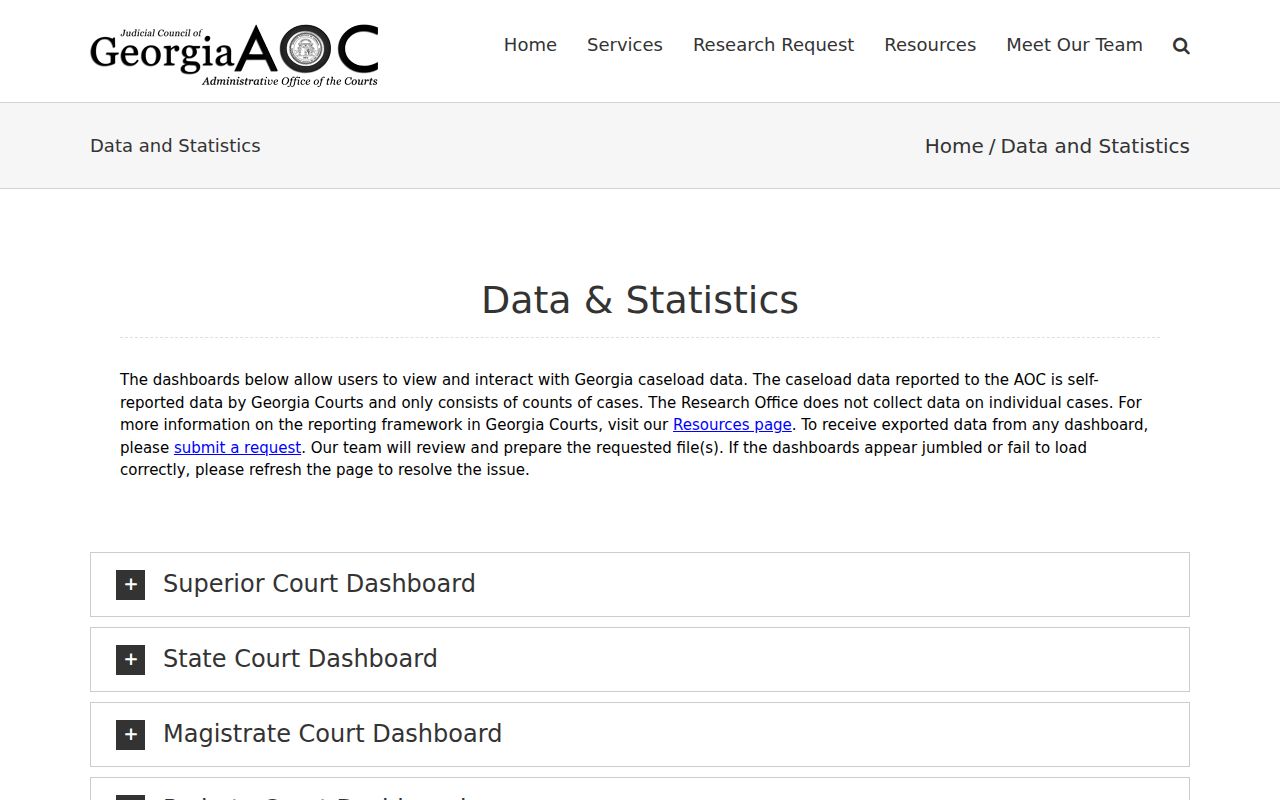
Study the aggregate numbers for the big picture of court work. Then turn to the proper clerk or provider for a single case, because a dashboard total cannot confirm any filing, date, party, or outcome.
Access and Restricted Cases
Georgia Superior Court records are presumed open unless a law or court order says otherwise. Uniform Superior Court Rules 21 through 21.6 cover restriction, hearings, review, and protected identifiers. Rule 39.6 keeps adoption records and indexes confidential unless a judge grants access. Juvenile information carries its own special limits.
A missing result in a docket search can mean a wrong court or a bad number format. It could also be older coverage, a delay, or a lawful restriction. Call the Superior Clerk at (478) 945-3350. In-person Superior access sits at 425 Railroad Street North, Jeffersonville. Before mailing or faxing a request, confirm the rules. Check the copy, payment, and delivery details the clerk expects.